
165 words
1 minute
编译安装fastfetch
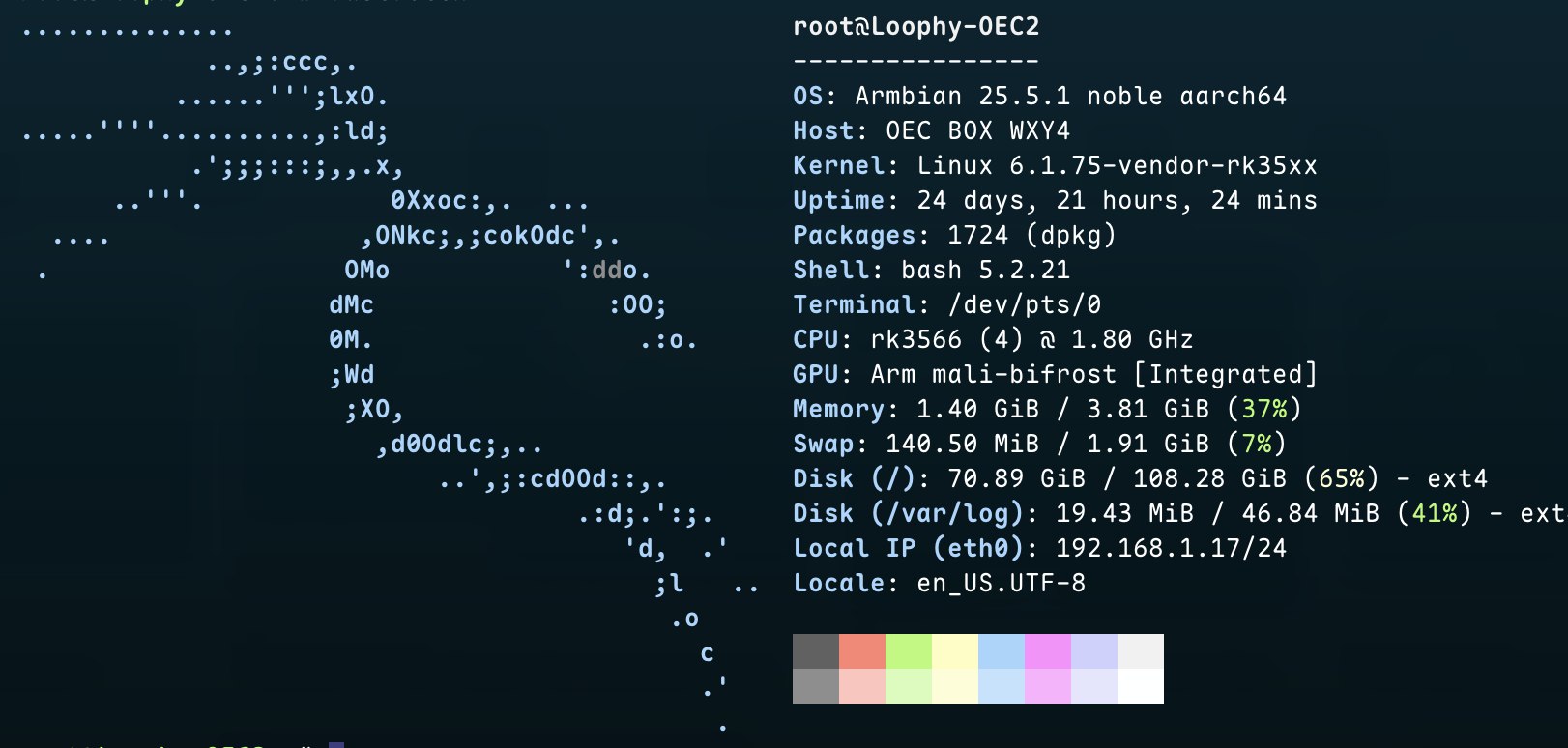
编译安装
- 克隆仓库:
git clone https://github.com/fastfetch-cli/fastfetch.git - 进入项目目录:
cd fastfetch - 编译:
- 创建build 目录:
mkdir build - 进入build 目录:
cd build - 使用CMake:
cmake .. - 使用Make:
make - 安装:
sudo make install
- 创建build 目录:
Usage:
fastfetch -C all 显示所有配置
配置文件
fastfetch --gen-config
{ "$schema": "https://github.com/fastfetch-cli/fastfetch/raw/dev/doc/json_schema.json", "logo": { "type": "auto", // Logo type: auto, builtin, small, file, etc. "source": "arch", // Built-in logo name or file path "width": 65, // Width in characters (for image logos) "height": 35, // Height in characters (for image logos) "padding": { "top": 0, // Top padding "left": 0, // Left padding "right": 2 // Right padding }, "color": { // Override logo colors "1": "", "2": "" } }, "modules": [ "title", "separator", "os", "host", "kernel", "uptime", "packages", "shell", "display", "de", "wm", "wmtheme", "theme", "icons", "font", "cursor", "terminal", "terminalfont", "cpu", "gpu", "memory", "swap", "disk", "localip", "battery", "poweradapter", "locale", "break", "colors" ]} 编译安装fastfetch
https://fuwari.loophy.top/posts/fastfetch-compile/